In Part 1 of this series, we talked about why values have to come before rules. Now we get to the part most schools try to tackle first: what is actually allowed?
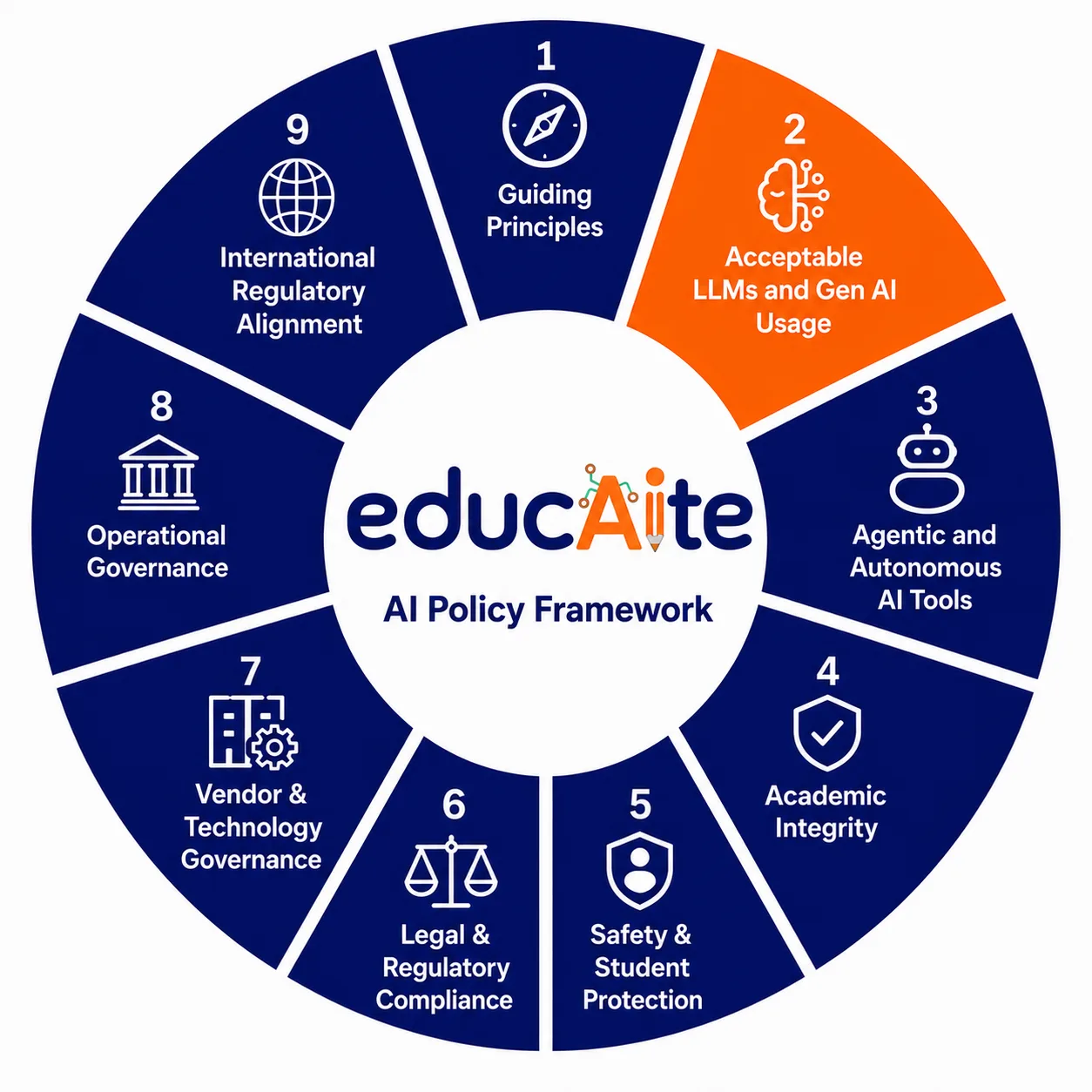
Acceptable use is the section of your framework that governs everyday interaction with AI. It answers the questions teachers, students, administrators, and parents are already asking. And because the landscape is broad, we have broken it into two posts. This one covers LLMs and generative AI tools, the category most people in your school are already using whether you have a policy for it or not. Next week we will tackle agentic and autonomous AI tools, which require a different level of scrutiny entirely.
Your Students Are Already Living in an AI-Native World
Before you write a single line of acceptable use policy, it helps to understand what you are actually governing.
Most educators came to AI as adults. They experimented with ChatGPT, maybe built something with it, and formed their understanding of what AI is and does through that lens. Their students arrived somewhere else entirely.
Think about it this way. You learned to drive on a quiet suburban street with an instructor in the passenger seat. Your students learned to navigate in rush hour traffic, on their own, probably at age twelve. By the time a student walks into your classroom, they may already be using AI to draft texts, generate images, summarize YouTube videos, write song lyrics, get advice on friendships, and talk through anxiety at 11pm when no adult is available. The tool is not new to them. The structure around it is.
This matters because acceptable use policy written from an adult perspective will miss the reality of how students are actually engaging with these tools. If your policy only addresses academic use, it leaves an enormous blind spot. The goal is not to police everything. It is to create a shared framework for responsible use that students and educators can actually understand, relate to, and own.
In this post we will walk through six areas your acceptable use policy needs to address:
- Building your approved tools list
- Student use by grade band and the COPPA question
- Teacher use for lesson planning and administrative tasks
- AI-generated content disclosure requirements
- Prohibited inputs and why PII is the line
- Acceptable use for administrator workflows
Building Your Approved Tools List
Your approved tools list is where your values from Part 1 become operational. The question is not simply which tools are popular or well-funded. The question is which tools align with how your district has decided AI should be used in service of students.
A few principles worth anchoring to:
Heavy funding and brand recognition are not the same as quality or safety. The EdTech market is full of well-marketed products that have not been rigorously vetted for student data privacy, instructional effectiveness, or alignment with your district’s values. Pomp and circumstance can be fool’s gold. A smaller company where you have direct access to the founders or the development team is often a better bet than a flashy platform where you are one of a million customers. You want to understand what is under the hood, not just what is on the brochure.
Run pilots before you commit. Test and learn with a small cohort before rolling out districtwide. This protects your budget, your students, and your credibility with parents.
Centralize where you can. When the district controls the tool stack, you get economies of scale, consistent permissions management, and the ability to ensure that teachers across buildings are working from the same playbook. A teacher who learned a tool on their own and a teacher using a district-vetted platform are having very different conversations with their students about AI.
Student Use by Grade Band: The COPPA Question
This is where acceptable use gets genuinely complicated, and where many districts are not thinking carefully enough.
COPPA, the Children’s Online Privacy Protection Act, restricts the collection of personal data from children under 13 without verifiable parental consent. Most commercial LLMs are not designed for this age group and do not meet COPPA standards out of the box. That means before you allow any student under 13 to interact with an AI platform, you need to ask a hard question: does this tool actually meet the legal bar for children’s data privacy?
There is an important nuance here that many districts do not realize. When AI is used in a school setting, the school is permitted to act as the parent’s agent and provide consent on behalf of families, provided the platform uses student data solely for educational purposes and not for commercial tracking or advertising. This is a meaningful provision. It means districts do not always need individual parent sign-offs to deploy a vetted educational AI tool with younger students. But it also means the district carries the responsibility of ensuring the tool actually meets that standard. Vetting the platform is not optional. It is the legal basis for the consent you are providing on behalf of families.
But beyond the legal question is a more important pedagogical one. Should young children be using LLMs at all, and if so, how?
Our view is yes, with tight guardrails and the right framing. The elementary years are actually the best time to start building healthy AI habits before students are old enough to have unsupervised free access and before the cognitive offloading patterns become entrenched. Introducing AI in a structured, age-appropriate way, focused on learning how to think alongside AI rather than using it to get answers, is a meaningful head start.
For middle and high school students, the guardrails shift but do not disappear. The focus becomes disclosure norms, critical evaluation of AI output, understanding when AI is appropriate to use and when it is not, and building the prompt fluency that will serve them in college and careers.
Teacher Use: Lesson Planning, Admin Tasks, and Setting the Example
Teachers should be allowed to use AI for lesson planning, differentiation, communication drafting, and administrative tasks. The efficiency gains are real and teachers deserve them.
A few guardrails worth building in. First, limit the number of approved platforms. Rather than letting every teacher independently explore and adopt tools, consider forming subject-area or grade-band sub-committees where lead teachers conduct structured test and learns and report back to their peers. This creates a shared understanding of the pros and cons of any given tool relative to other options, builds internal expertise, and ensures the district is making informed decisions rather than defaulting to whatever is loudest in the market.
Second, provide professional development that goes beyond basic familiarity. A teacher who has used ChatGPT at home is not necessarily ready to guide students through responsible AI use at school. Third, and most importantly, teachers are modeling behavior. How they talk about AI, how they use it transparently in the classroom, and how they acknowledge its limitations sends a signal to students about what responsible use actually looks like.
AI-Generated Content Disclosure: Setting the Norm Now
This is an area where schools have an opportunity to get ahead of a norm that society is still figuring out.
Our recommendation is to require disclosure any time AI played a meaningful role in producing submitted work. Not because AI assistance is inherently wrong, but because transparency is a foundational value and students need to practice it. The framing matters enormously here. Disclosure should be taught as intellectual honesty, not as confession. It is the same muscle students use when they cite a source, credit a collaborator, or acknowledge that an idea came from somewhere else.
Building this norm now, while students are young, creates habits that will serve them in college, in the workplace, and as citizens navigating an AI-saturated world.
Prohibited Inputs: Why PII Is the Line
One of the most important things your acceptable use policy can do is make clear what should never go into an AI tool.
Personally identifiable information, or PII, tops that list. Student names, ID numbers, addresses, grades, behavioral records, and anything that could identify a specific child should never be entered into a consumer AI platform, especially if the district does not hold an enterprise license with a data processing agreement.
Why? Because without that agreement, you have no guarantee of how that data is stored, used, or whether it is being used to train the model. Under FERPA, the district is responsible for protecting student education records. Entering student data into an unvetted tool is a potential FERPA violation, full stop.
This is also an excellent teachable moment. Use the prohibited inputs conversation to teach students about PII more broadly. Help them understand what their data is worth, how marketers and bad actors use it, and why protecting it is an act of self-advocacy. These are digital citizenship skills they will use for the rest of their lives.
Administrator Workflows: A Brief Note
Administrators can and should use AI to support their work, from drafting communications to analyzing aggregate data trends to streamlining operational tasks. The key word is aggregate. AI should never be used to make or inform individual decisions about students, staff performance, discipline, or special services without human review and appropriate oversight. We will go deeper on this in a future section of the framework.
Next in the Series
Next week we move into agentic and autonomous AI tools. This is where the stakes get significantly higher and where most districts have the biggest blind spots. If the question for this post is what are we allowing, the question for next week is what are we letting AI do on its own, and who approved that.
If your district is ready to work through your acceptable use policy with expert guidance, we are here for it. Visit educaitelearning.com/workshops or reach out to Erica Bishaf at erica@educaitelearning.com.